
 By:
By: You sent the proposal. Silence.
Did they open it? Did it go to spam? Are they reviewing it with their team right now, or did they forget about it five minutes after your call?
You don't know. So you wait. Three days feels too soon to follow up. A week feels too late. You write a "just checking in" email that sounds exactly like every other desperate sales email in their inbox.
There's a better way.
Why Proposal Tracking Changes Everything
Here's what most salespeople do: Send proposal. Wait. Wonder. Send awkward follow-up. Repeat.
Here's what informed salespeople do: Send proposal. Get notified when it opens. See which pages they spent time on. Call while it's fresh with something relevant to say.
Same effort. Completely different results.
When you know someone just opened your proposal, you can:
- Reach out within an hour while you're top of mind
- Reference the specific sections they focused on
- Address concerns before they become objections
- Skip the prospects who never looked
The timing of your follow-up matters enormously. Research from Chili Piper shows that businesses responding to leads within five minutes are 100x more likely to connect and convert. If you can catch someone right after they engage with your proposal, you're working with warm interest instead of cold memory. That's real money.
How Proposal Tracking Actually Works
The concept is simple. Instead of attaching a PDF to your email, you share a link.
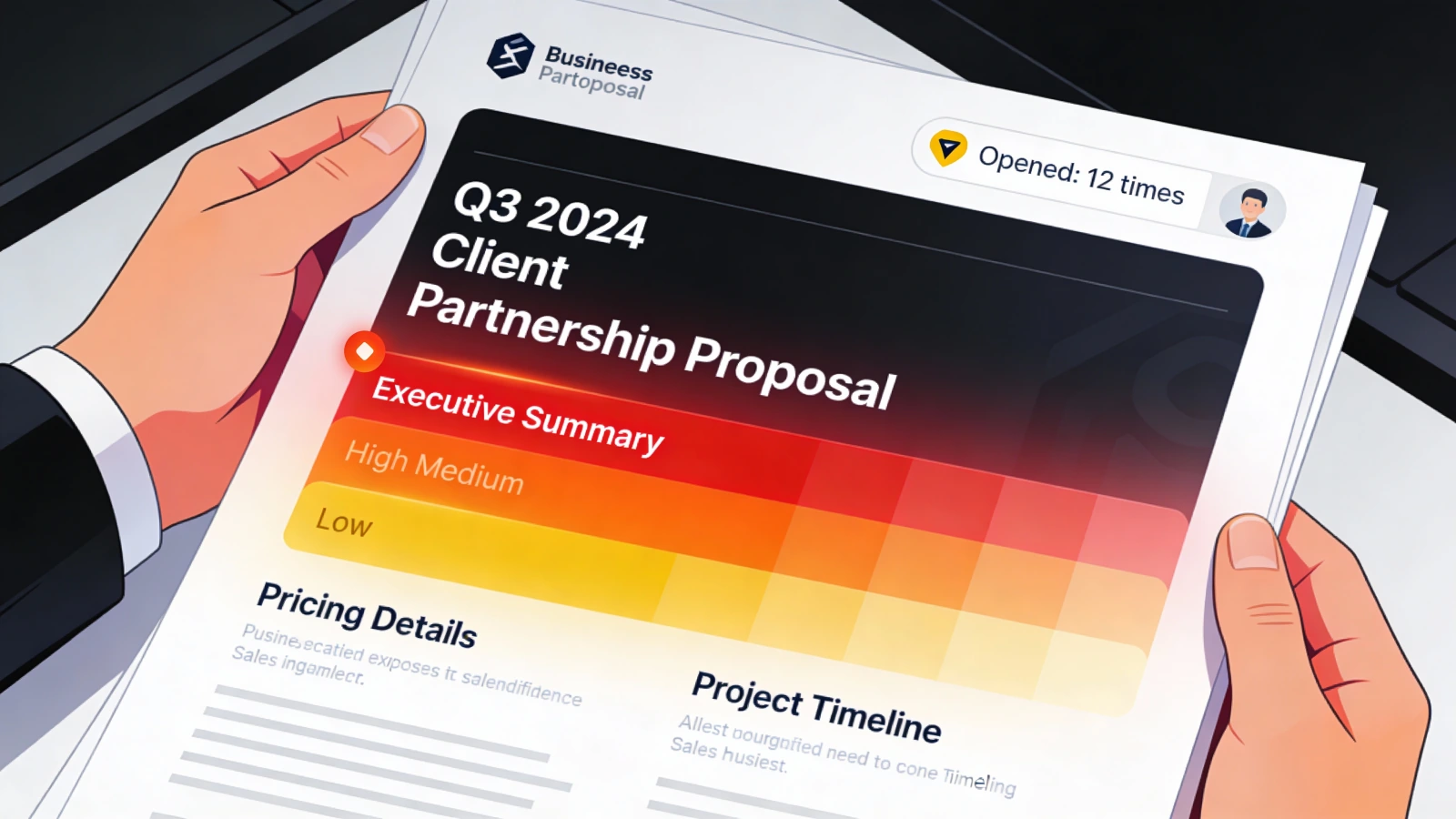
When the prospect clicks that link, you get notified. You see when they opened it, how long they spent, and which pages they viewed.
From their side, nothing changes. They click a link. A document opens. They read it. Close the tab. Done.
From your side, everything changes.
Here's what you'll see:
- Open time: 9:47 AM on Tuesday
- Time spent: 6 minutes 23 seconds
- Pages viewed: 1, 2, 5, 6, 7, 8
- Focus areas: 4 minutes on pricing (pages 7-8)
- Device: Desktop, Windows
- Location: Chicago, IL
That's not guessing. That's knowing.
Setting Up Proposal Tracking: Step by Step
Time needed: About 5 minutes for setup, 30 seconds per proposal after that.
Step 1: Convert Your Proposal
Take your existing PDF proposal and upload it to a tracking platform like Flipbooker.
The platform converts it into a web-viewable format that can be tracked. Your proposal looks the same. It just lives online now instead of as an attachment.
Step 2: Get Your Tracking Link
Once uploaded, you get a unique link. Something like: yourcompany.flipbooker.com/proposal-acme-corp
You can customize this to look professional and branded.
Step 3: Share the Link
Instead of "Please find attached...", you write "Here's the proposal: link"
Same email. Different delivery method.
Step 4: Enable Notifications
Set up alerts for when someone opens your proposal. Most platforms offer:
- Email notifications
- Desktop notifications
- Mobile push notifications
- Slack/Teams integrations
Pick what works for your workflow. Immediate notifications help you time your follow-up perfectly.
Step 5: Check the Dashboard
After sending, you can see all your proposals in one place:
- Which ones got opened
- Which ones are still untouched
- Who spent the most time
- Who keeps coming back
This becomes your follow-up priority list.
Reading the Data: What Different Behaviors Mean
Numbers are only useful if you know how to interpret them. Here's a cheat sheet.
They Opened It Immediately
What happened: Opened within an hour of receiving
What it means: They're actively interested. Your timing was good. They made time for it.
What to do: Wait a day, then follow up referencing something specific from the proposal. "I wanted to elaborate on the implementation timeline we mentioned on page 5."
They Opened It Multiple Times
What happened: 3+ opens over several days
What it means: They're seriously considering it. Probably showing it to others. Decision is being discussed. Gartner research on the B2B buying journey indicates that B2B buyers are 1.8x more likely to complete a high-quality deal when they engage with supplier-provided digital materials alongside a sales rep.
What to do: Reach out and offer to answer questions. "I noticed you've had a chance to review. Happy to hop on a quick call to address any questions from your team."
They Spent Most Time on Pricing
What happened: 60%+ of viewing time on pricing pages
What it means: They're interested in the solution. Cost is the primary consideration now.
What to do: Lead with value and ROI on your follow-up. Don't wait for them to ask for a discount. Justify the price proactively.
They Skipped to the End
What happened: Viewed page 1, then jumped to the last few pages
What it means: They wanted the bottom line. Either they already understand your solution or they just want the price.
What to do: Your proposal might be too long. Also, they're probably comparing you to competitors. Differentiate fast.
They Opened It But Only Spent 30 Seconds
What happened: Quick open, quick close
What it means: They were interrupted. Or the first page didn't grab them. Or they're not as interested as they seemed.
What to do: Don't follow up right away. Wait to see if they come back. If they don't, send a short summary of key points as a nudge.
They Never Opened It
What happened: Zero opens after 5+ days
What it means: Went to spam. Got buried. They're not interested. Something changed. According to Yesware's sales follow-up research, 80% of sales deals require five or more follow-ups to close, yet 44% of sales reps give up after the first attempt.
What to do: Follow up with a different approach. Don't reference the proposal directly. Try: "I know things get busy. If this has fallen off your radar, happy to schedule a 10-minute call to recap the key points."
Real-World Examples: Tracking in Action
Example 1: The Perfectly Timed Follow-Up
Sarah sends a proposal Monday morning. At 2:47 PM, she gets a notification: prospect opened it. Spent 8 minutes. Heavy focus on case studies.
She waits until 3:30 PM, then calls.
"Hey John, I wanted to follow up on the proposal while it's fresh. I noticed we included the manufacturing case study. If you'd like, I can connect you with that client directly for a reference call."
John hadn't asked for a reference. But Sarah knew he'd been reading case studies for 4 minutes. The call felt natural, not salesy.
She closed the deal that week.
Example 2: Identifying the Real Blocker
Marcus sent a proposal that got opened five times over two weeks. Each time, the viewer spent 70% of the time on pricing pages.
He hadn't gotten any response to his follow-ups.
On his next call, he led differently: "I know budget discussions can be complicated. Let me walk you through the ROI numbers we typically see."
Turns out, the prospect loved the solution but couldn't justify the cost internally. Marcus walked through the business case, and the prospect used those talking points to get approval.
Without analytics, Marcus might have followed up with more features. The data told him it was about money.
Example 3: Knowing When to Move On
Lisa sent 50 proposals last quarter. She used to follow up with all of them equally.
Now she tracks opens.
Of 50 proposals, 35 got opened. Of those, 20 showed significant engagement. She focused her energy on those 20.
Her close rate went from 12% to 22%. Not because she got better at selling. Because she stopped wasting time on dead leads.
Common Questions About Proposal Tracking
Do recipients know they're being tracked?
Most don't think about it. From their perspective, they clicked a link and read a document. That's normal.
You're not installing anything on their computer. You're not reading their emails. You're tracking a visit to your content, which is what websites have done for decades. Under GDPR and similar regulations, tracking engagement with your own business documents typically falls under legitimate interests, provided you're transparent and proportionate.
That said, don't be creepy about it. "I noticed you spent exactly 3 minutes and 47 seconds on page 12" is weird. Use the data to inform your approach, not to prove you're watching.
What if they download the PDF instead of viewing it?
When someone views your tracked proposal, they might have an option to download it. If they do, you lose tracking on that copy.
However, you still know they were interested enough to download. That's valuable data itself.
Some platforms let you disable downloads. Consider whether that makes sense for your prospects.
Does this work on mobile?
Yes. Modern tracking works across devices. You'll even see whether they viewed on desktop or mobile, which can tell you something about their context.
Can I track if they forwarded it?
Indirectly. If you see opens from new locations or multiple devices around the same time, someone probably shared the link. Some platforms show you unique viewer counts.
This is valuable intel. If your proposal is being shared internally, more stakeholders are involved. Adjust your approach accordingly.
What if my email client has link tracking already?
Email tracking tells you if someone opened your email. That's useful, but limited.
Document tracking tells you if they actually read what was inside. That's the real insight.
Someone can open your email, glance at it, and close it in 2 seconds. Email tracking calls that an "open." Document tracking shows you actual engagement.
Tools for Tracking Proposals
Several platforms offer proposal and document tracking:
Flipbooker (what we make): Turn PDFs into trackable flipbooks. See opens, time spent, pages viewed. Real-time notifications. Works great for sales teams.
DocSend: Dedicated to document tracking with built-in NDAs and permissions.
PandaDoc: Proposal creation plus tracking, with e-signature built in.
Proposify: Proposal software with analytics on views.
Each has different strengths. Flipbooker focuses on making existing PDFs trackable with minimal friction. You don't need to rebuild your proposal in a new tool. Just upload and go.
What to Do Tomorrow
You don't need to overhaul your sales process. Just start tracking.
Step 1: Take your most recent proposal
Step 2: Upload it to a tracking platform (Flipbooker's free tier works fine)
Step 3: Get a tracking link
Step 4: Use that link on your next send
Step 5: Watch what happens
One tracked proposal will teach you more than reading about it ever could. You'll see exactly when they engage, what they focus on, and whether they come back.
Then you'll never go back to blind sending.
Related reading: