
 By:
By: PDFs are everywhere. Proposals. Reports. Contracts. Training manuals. Product guides.
And every one of them disappears into a black hole the moment you send it.
Did they read it? Maybe. Did they skim it? Possibly. Did they open it, see 47 pages, and close it immediately? You'll never know.
Unless you track it.
This isn't just a sales-team complaint. A World Bank publication analysis found a meaningful share of PDF reports were never downloaded at all. In B2B, where buying groups are usually multi-person, that visibility gap gets even worse.
The Problem With Regular PDFs
Here's what happens when you email a PDF:
- You attach it
- You hit send
- You wait
- Silence
Maybe they're busy. Maybe they haven't gotten to it. Maybe it went to spam. Maybe they read the whole thing and have questions. Maybe they opened it for 3 seconds and decided they weren't interested.
All of these scenarios look exactly the same from your end: silence.
The frustration is real. As one Hacker News commenter put it, "There is no legitimate use or business-case for a read-receipt service, especially ones that use the same techniques as malware writers." That's the privacy side.
From the sender's side, the problem is the opposite: you genuinely need to know if someone engaged with what you sent, and a regular PDF gives you nothing.
This creates a few problems:
You can't prioritize. If you sent 20 PDFs this week, which recipients are actually engaged? No idea. You follow up with everyone equally.
You can't time your outreach. When's the right time to follow up? Too early feels pushy. Too late and they've forgotten. Without data, you're guessing. According to sales research from Salesgenie, your chances of getting a response drop to just 24% after five days of waiting.
You can't improve your documents. If everyone stops reading at page 5, you'd want to know that. But you don't.
You can't prove anything. "I sent the document." Great. Did they read it? Shrug.
How to Track Whether Someone Read Your PDF
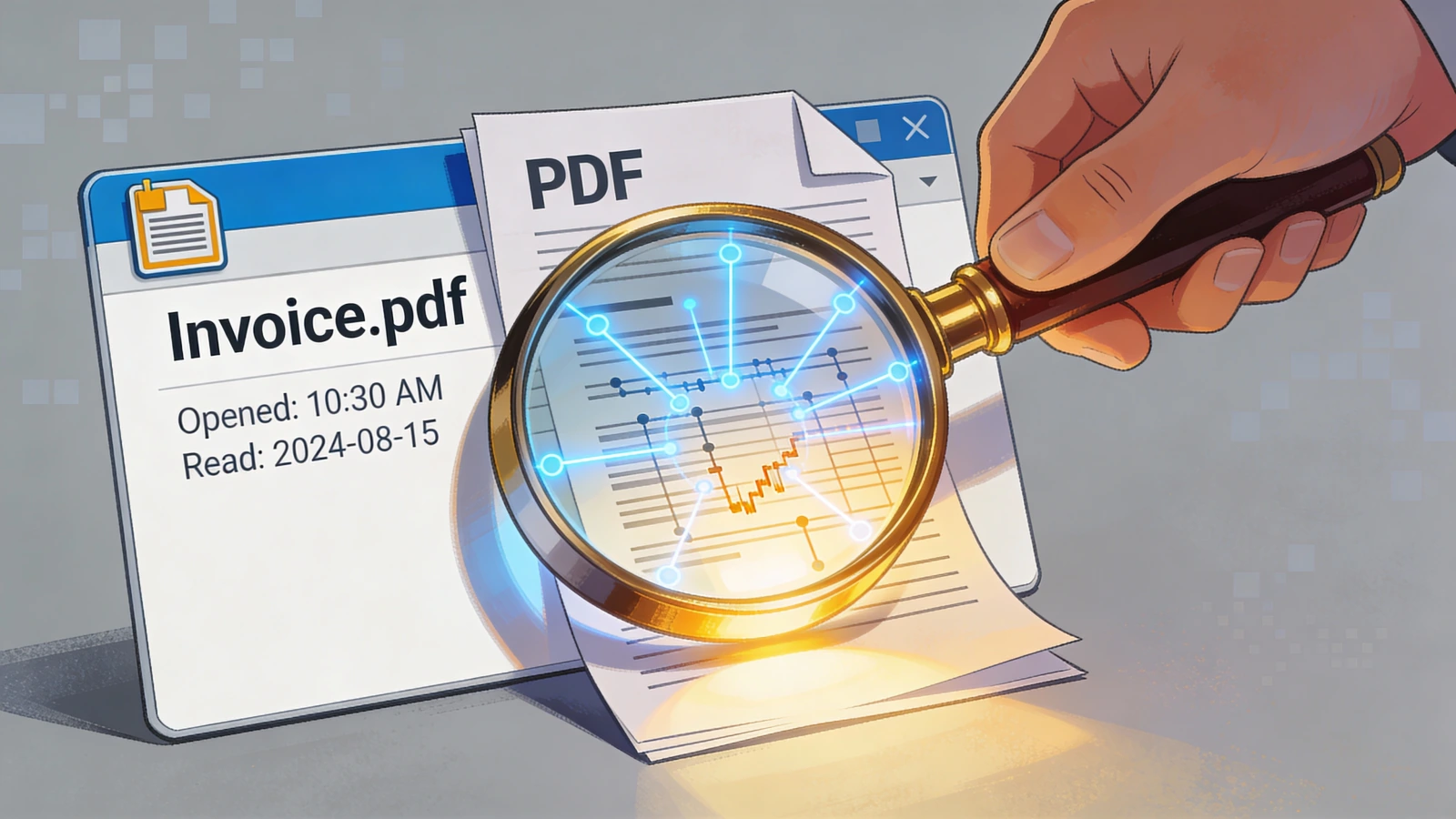
The solution is simpler than you think. Instead of sending PDFs as email attachments, you send them as links.
When someone clicks that link, you know. When they scroll, you know. When they leave, you know.
Here's how it works:
Step 1: Upload Your PDF
Take your existing PDF and upload it to a document tracking platform. Flipbooker, DocSend, and similar tools do this.
The platform converts your PDF into something viewable online. Looks the same to the reader. But now it can be tracked.
Step 2: Get a Shareable Link
Instead of an attachment, you get a link. Share this link in your email, on Slack, wherever.
When people click it, the document opens in their browser. No downloads required on their end.
Step 3: Track Engagement
Once shared, you see:
- Who opened it: Name or email (if you have it)
- When they opened it: Exact timestamp
- How long they spent: Total time on the document
- Which pages they viewed: Page-by-page breakdown
- Device and location: Desktop, mobile, geography
This is the data you've been missing.
Step 4: Get Notified
Most platforms let you set up alerts. Get an email when someone opens your document. Get a push notification on your phone. Some even integrate with Slack or Teams.
The notification hits. You know they're looking at it right now.
What the Data Actually Tells You
Knowing someone "read" your PDF is just the beginning. The details matter.
Time Spent Tells You Interest Level
Someone who spends 8 minutes with your document is more engaged than someone who spent 45 seconds.
But context matters. An 8-page document viewed for 8 minutes means they read it carefully. A 50-page document viewed for 8 minutes means they skimmed.
Look at time spent relative to document length.
Pages Viewed Tell You What Matters
If your PDF has 10 pages and someone only viewed pages 1, 2, 9, and 10, they skipped the middle.
Maybe the middle is boring. Maybe they were in a hurry. Maybe they just needed the intro and conclusion.
Either way, useful info.
If everyone skips section 3, section 3 has a problem.
Return Visits Tell You Consideration Level
Someone who views your document once might be casually interested. Someone who comes back three times over two weeks is seriously considering something.
Multiple visits often signal that a decision is in progress. They're reviewing. Comparing. Thinking.
Open Timing Tells You When to Act
If someone opens your document at 11 PM, they're probably doing personal research. If they open it at 10 AM on a Tuesday, they're working.
Opening on a Monday morning might mean it's on their task list. Opening Friday afternoon might mean they're clearing their inbox.
Use timing to inform when and how you follow up.
What This Looks Like in Practice
Here are a few hypothetical scenarios that illustrate common use cases. These aren't specific people, but they represent patterns that play out constantly in sales, marketing, and HR.
The sales rep who stopped chasing ghosts
Imagine a rep who sends proposals and follows up with everyone three days later. Same email, same timing, same results. Once tracking is turned on, a pattern emerges: roughly 60% of proposals get opened within 24 hours, 20% within a week, and 20% never get opened at all. The rep stops wasting time on the group who never looked and focuses energy on the ones who engaged quickly.
This kind of prioritization matters. RAIN Group's research shows elite performers (top 7%) win nearly 75% of their opportunities, compared to 40% for average performers. The difference often comes down to focusing on the right deals.
The marketing team that fixed a content problem
A marketing team creates a 25-page industry report. Downloads are good. But when they track actual readership, the average time spent is 3 minutes. On 25 pages. People bail after the executive summary.
So they shorten the report to 8 pages with a "full version" link for anyone who wants more. Completion rates triple.
The HR manager who proved compliance
An HR manager needs employees to complete required training materials. Without tracking, it's send-and-hope. With it, there's a timestamped record of who viewed the materials, for how long, and whether they reached the end. When audit time comes, the proof is already there.
Common Objections (And Why They're Wrong)
"People won't click links from emails"
They click links all the time. Calendly invites. Google Doc shares. Proposal software. The shift from attachments to links happened years ago.
If you're worried, test it. Send the same document both ways. See which gets more engagement.
"I don't want to seem like I'm spying"
You're not reading their emails or installing software on their computer. You're tracking visits to your own content.
Every website does this. Every email marketing platform does this. It's normal. In fact, email open tracking has become less reliable since Apple's Mail Privacy Protection launched in 2021, which preloads tracking pixels regardless of whether recipients actually read emails. Document tracking provides more accurate engagement data.
Just don't be weird about it. Use the data to be helpful, not to prove you're watching.
"My documents are confidential"
Good tracking platforms offer password protection, email verification, and download controls. You can lock things down as tight as you need.
Some even let you set documents to expire after a certain date. Better security than emailing an attachment that lives forever in someone's inbox.
"It's too complicated to set up"
It takes about 2 minutes. Upload PDF. Get link. Share link. Done.
No IT department needed. No integration required. No learning curve.
Tools That Track PDF Engagement
Several options exist:
Flipbooker: Converts PDFs into trackable, interactive flipbooks. Good for proposals, catalogs, reports. Real-time analytics. Free tier available.
DocSend: Purpose-built for document tracking. Strong on permissions and access control.
Google Drive: Has basic "view activity" tracking. Limited compared to dedicated tools, but free.
Notion: If you share Notion pages with PDFs embedded, you can see view counts. Basic but better than nothing.
For serious tracking with page-level analytics, you'll want a dedicated tool. For casual "did they open it" checks, even Google Drive might work.
What to Track First
Don't track everything. Start with high-stakes documents: sales proposals, contracts, reports, training materials, pricing sheets. The stuff where knowing who engaged (and who didn't) actually changes what you do next.
Internal memos and low-stakes documents? Probably not worth the effort. Save tracking for content where the data leads to a decision.
The Bigger Picture
The shift from PDF attachments to tracked links is small in effort and large in consequence. It doesn't change what you send. It changes what you know after you send it.
Once you see who reads your documents and how they read them, the guessing stops. You follow up with the right people at the right time. You fix the content that isn't working. And you stop chasing people who were never interested to begin with.
Related reading:
FAQs
Does PDF tracking work with email attachments?
No. You need to share a link instead of attaching the file. The link opens the document in a browser where views can be tracked.
Can people tell they're being tracked?
Generally no. The experience looks like opening a normal document in a browser. Some platforms add a small footer or branding, but there's no popup saying 'you are being tracked.'
Is document tracking legal?
Yes. You're tracking visits to your own hosted content, the same way any website tracks page views. It's standard practice in sales, marketing, and HR.
What's the difference between email open tracking and document tracking?
Email open tracking uses a pixel that fires when someone opens the email, but it can't tell you what they read. Document tracking shows page-by-page engagement, time spent, and return visits.
Do I need to pay for document tracking tools?
Most tools have a free tier that covers basic tracking. Paid plans add features like team analytics, CRM integrations, and password-protected links.